 MapaVideo
How to make an animated travel route map video
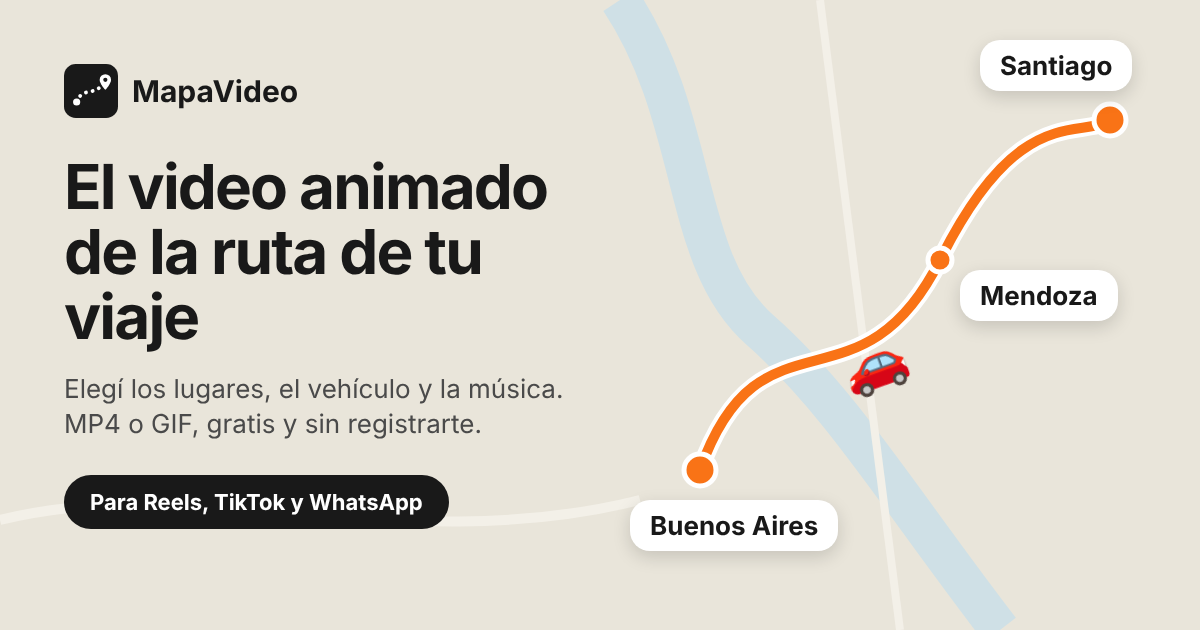
MapaVideo is a free web app that turns your trip into an animated map video: a line draws itself from place to place while a car, plane, bike, boat or another vehicle travels along it. It runs in your phone or computer browser, needs no account, and your trip never leaves your device.
Step by step
1. Build the route
Search each city or address, or tap the map to drop a point. Drag the stops to reorder them. You can also paste a Google Maps link or import a GPX, KML or KMZ file.
2. Pick a style
Choose the vehicle (car, motorhome, motorbike, bike, walking, bus, train, plane, boat and 30+ more), the map style, the line color and type, and whether to show the distance traveled.
3. Add music
Pick one of 10 background music styles, or no sound. The music is generated in the browser and always matches the video length.
4. Download or share
Choose the shape (16:9 landscape, 4:3 classic, 9:16 vertical or 1:1 square) and download a 1080p MP4 or a GIF. On your phone you can share it straight to Instagram, TikTok or WhatsApp.
What you can do
- Free, no sign-up and no watermark.
- 1080p MP4 video or animated GIF.
- Shapes for Reels and Stories (9:16), YouTube (16:9), feed posts (1:1) and 4:3.
- 30+ vehicles: car, 4x4, motorhome, motorbike, bike, walking, hiking, bus, train, boat, cruise ship, kayak, plane (flies in an arc), helicopter, hot-air balloon and your own image.
- Classic, light, colorful, dark and satellite maps.
- Place-name signs at each stop and a distance counter in km.
- Imports routes from Google Maps, Google My Maps, Google Earth and Maps.me (GPX, KML, KMZ).
- Advanced editor on desktop: one vehicle per leg, legs along real roads or drawn by hand, custom signs and camera.
- Installs as an app on your phone (PWA) and works in English, Spanish and Portuguese.
FAQ
Is MapaVideo free?
Yes. It is free, needs no sign-up, and videos have no watermark.
Do I need to install anything?
No. It works in your phone or computer browser. You can optionally install it as an app from the browser, without an app store.
Does it work for Instagram, TikTok and WhatsApp?
Yes. The 9:16 vertical shape fits Reels, TikTok and Stories, and on your phone the Share button sends the video straight to those apps.
Can I use a Google Maps route?
Yes. Paste a Google Maps directions link (short maps.app.goo.gl links work too) or import a GPX, KML or KMZ file from Google My Maps, Google Earth or Maps.me.
Is my data uploaded to a server?
No. The video is rendered in your browser and your trip is saved only on your device.
How long is the video?
It is set automatically from the number of stops and the distance, between 6 and 60 seconds.